SpreadsheetWEBimageLink
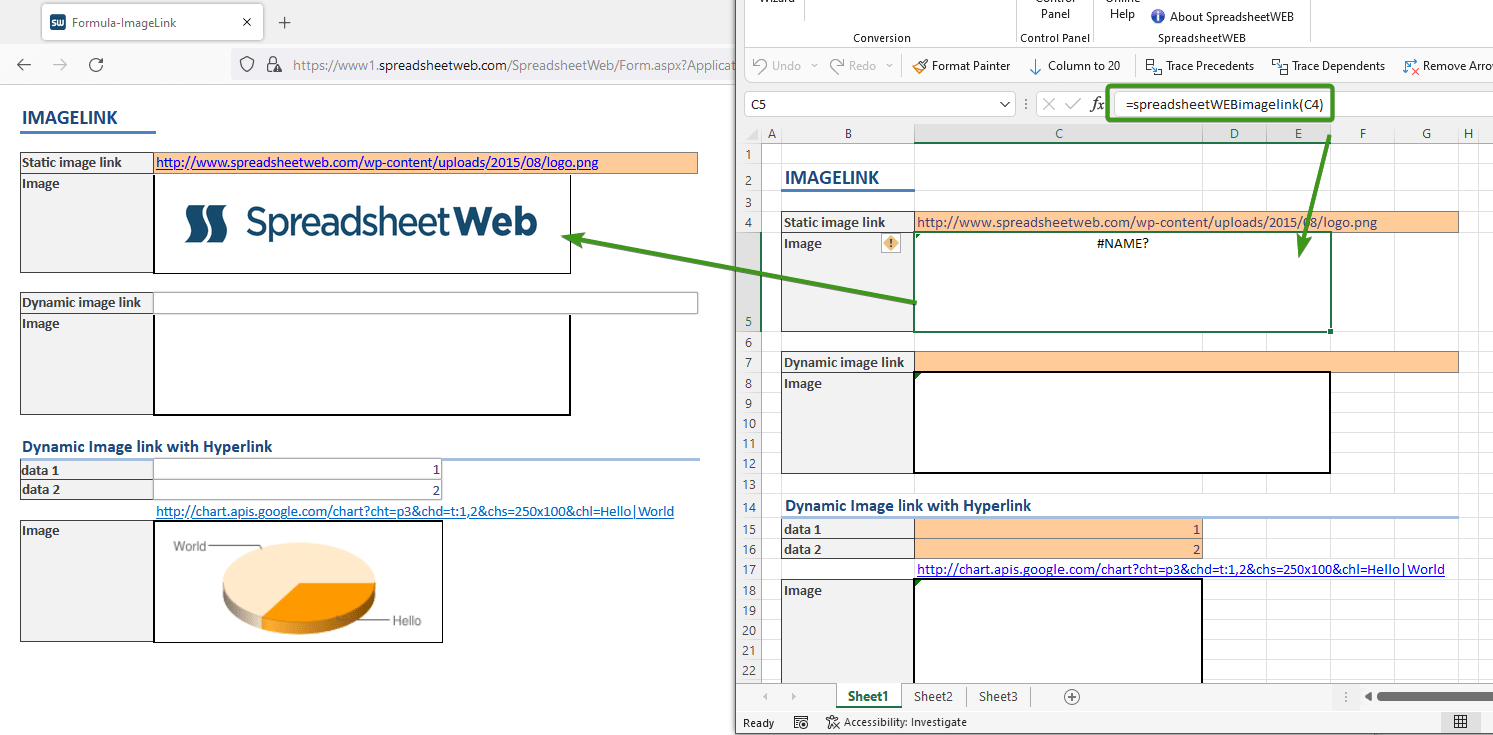
SpreadsheetWEBimageLink (cell reference) takes the relative or absolute address of the images which can be located on the internet or intranet.
Works in Converted Applications only
=SpreadsheetWEBimageLink(URL)
Spreadsheet WEB supports presentation of images using the SpreadsheetWEBimageLink formula. SpreadsheetWEBimageLink (cell reference) takes the relative or absolute address of the images which can be located on the internet or intranet.
Creating a static image display application
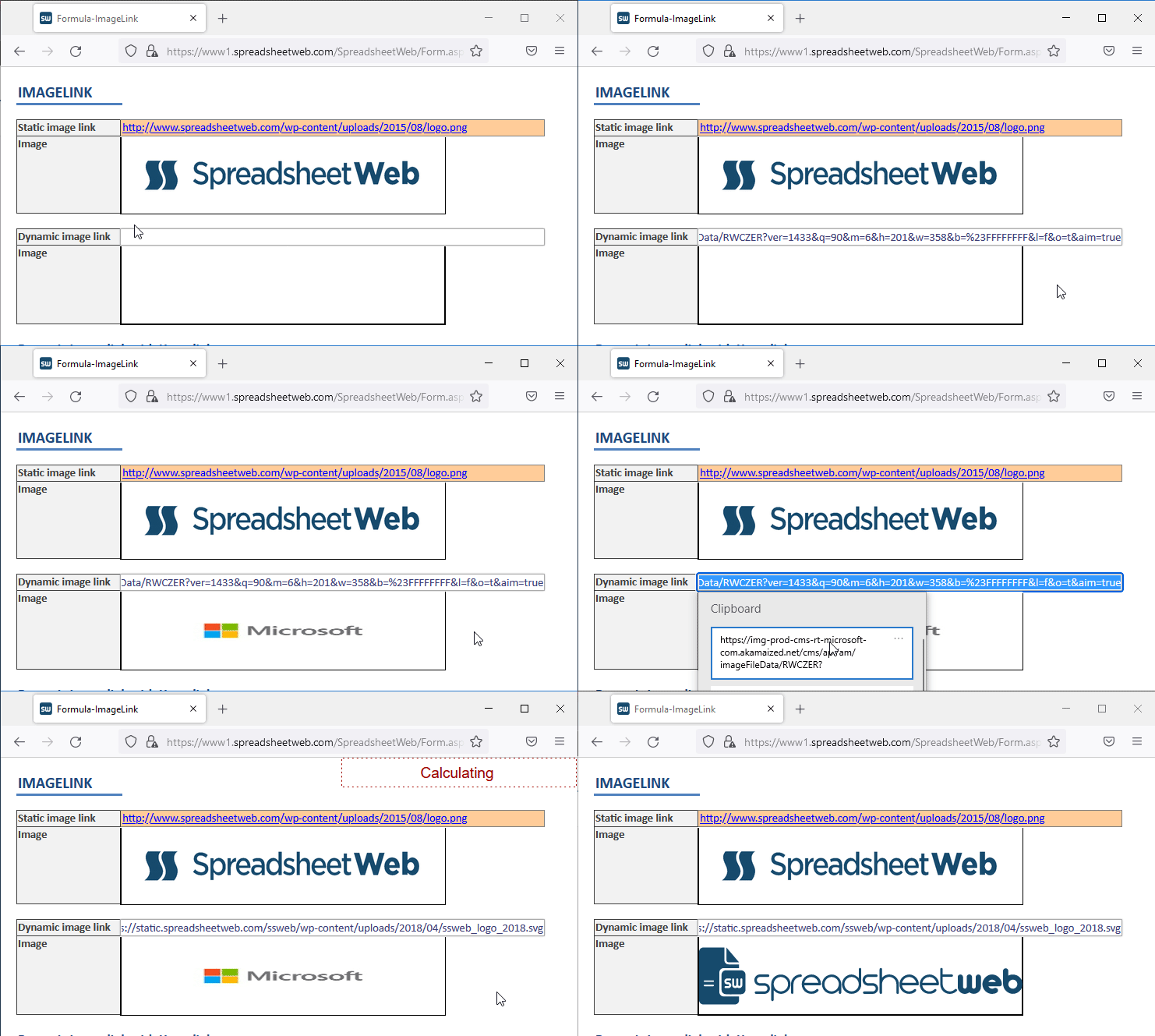
To create a static image web application which fetches images directly from a server, you must create a hyperlink pointing to an image. This image could be residing on the internet or intranet. We can use a link such as https://www.spreadsheetweb.com/download/logo-pagos.jpg to construct such an application. See the image below.

Creating dynamic image display applications
We are connecting to an image server and requesting images depending on the inputs. SpreadsheetWEBimageLink (Cell Address) does the work of getting the images and displaying them in the browser. Image will be update after each calculation.