Notifications
In SpreadsheetWeb Hub, you will receive notifications when an action is taken in your workspace. You can open your notifications from the notification…
In SpreadsheetWeb Hub, you will receive notifications when an action is taken in your workspace. You can open your notifications from the notification button.
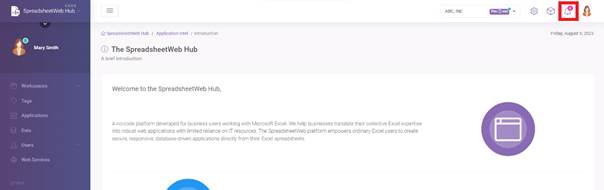
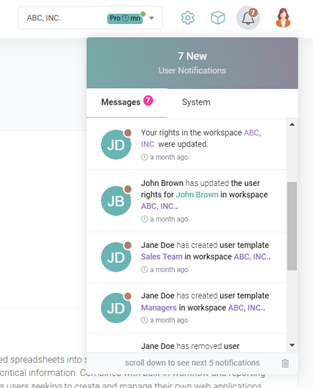
There are two different types of notifications as Messages and System. Under Messages, notifications about workspaces, applications and other users will be displayed. Under System, your system generated notifications will be displayed.
System
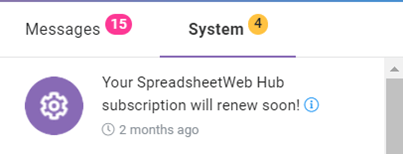
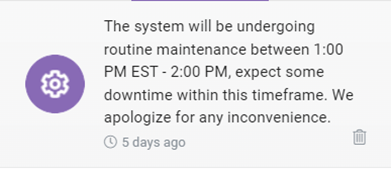
‘System’ will include notifications about your SpreadsheetWeb Hub Subscriptions and system/server maintenance information. These notification features can help you stay informed about important events and updates in SpreadsheetWeb Hub System. You can ensure that you are always aware of what is happening in the system and can take action as needed.
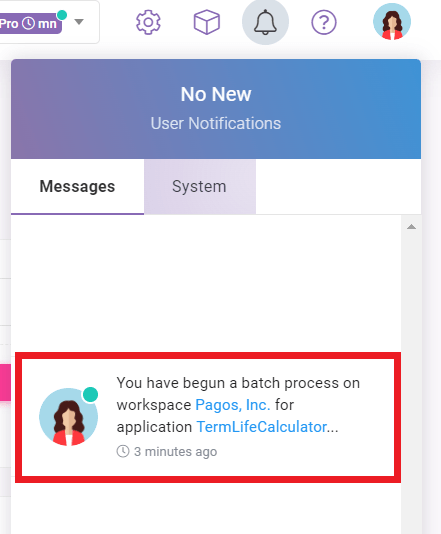
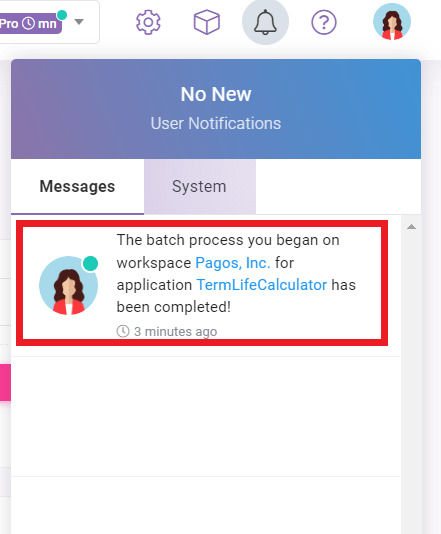
Also, you will receive a notification when a new Run process starts and completes. They will include relevant information like the user who started the process, the application and the workspace name.
Messages
‘Messages’ will include notifications about Workspaces, Users and Applications. You will receive notifications when someone edits or removes workspaces, updates, removes or applies user rights and user templates.
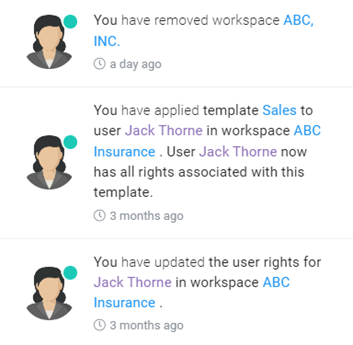
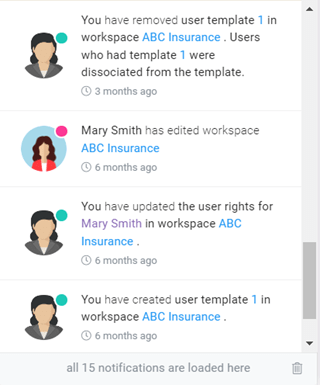
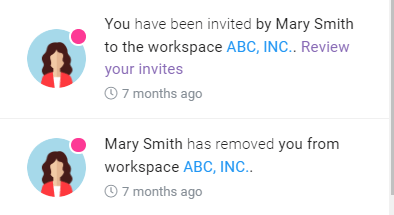
If you are invited to a workspace or removed from one, you will also receive notifications.