
Lesson 5 of 6
Legacy platformFinish Conversion
Once you are done with the conversion, your workbook is ready for uploading to the server. If you decide to upload it manually, remember to save your…
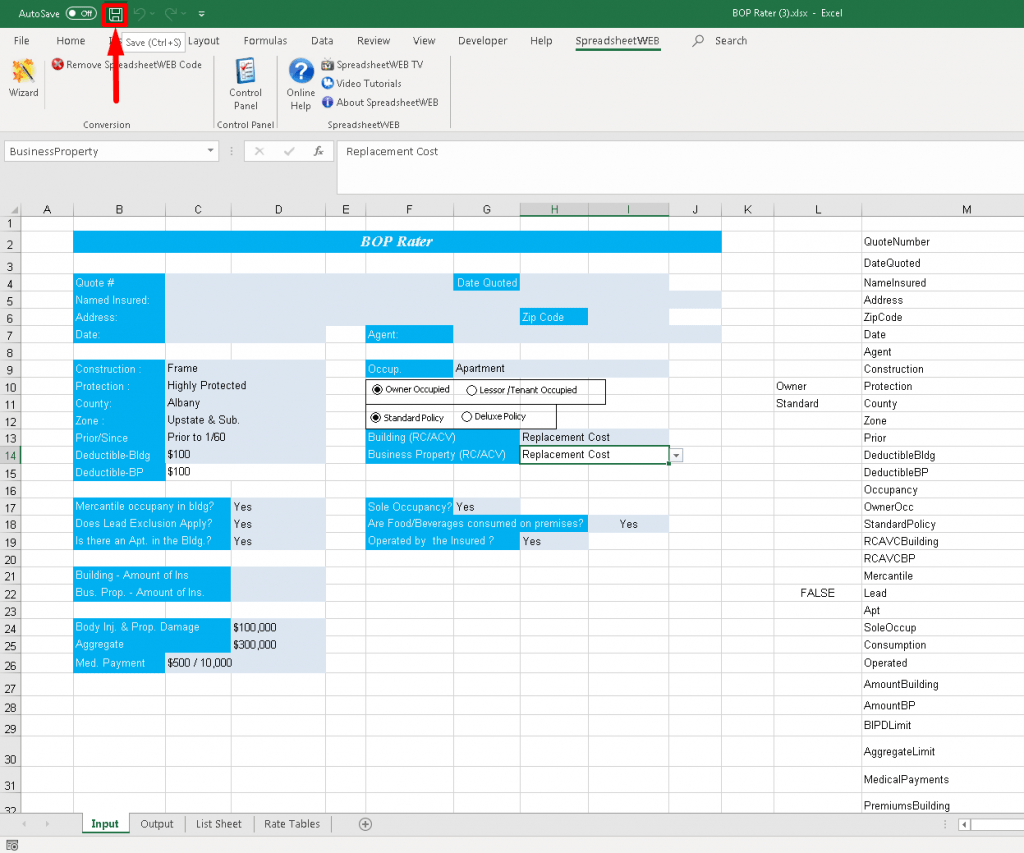
1 min readOnce you are done with the conversion, your workbook is ready for uploading to the server. If you decide to upload it manually, remember to save your workbook first.
If you’d like to upload your file from the Conversion Wizard, please make sure that you update the server and login information as shown below:
Note
“Server Settings” in the SpreadsheetWEB ribbon in Excel (see image below).
Go to ‘Server Settings’, enter your information and click save. You will get a confirmation message.
The default server address for paid accounts is https://www1.spreadsheetweb.com/SpreadsheetWEB/